You can now download the data of an entire browsing session in Excel (.xls) file format.
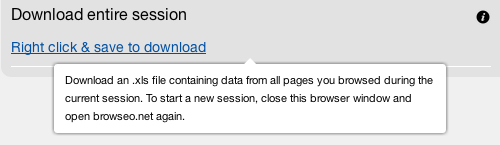
Once you open the Takeout in Excel, you'll have separate columns for URLs, responses / redirects, text information and one column for the <head> content. We are planning to separate the latter into separate columns or split up the data in some other way, so if you have any ideas feel free to let us know.

A session is not limited to browsing a single website, but includes every URL you analyze. Once you close your browser the session has ended and you'll start with a fresh session next time you use Browseo.
Enjoy!
- Jonathan
PS
Pro tip: use the Multiplier to open dozens of URLs in separate tabs simultaneously. Your .xls file will contain all those URLs (currently, this works best in Firefox).

 "A one-click tool that shows basic but important SEO metrics in an easy-to-read format."
 "Browseo fills a crucial need; seeing the web like an engine. Thanks to Jonathan and the team for making it easy." — Rand Fishkin
 "It's smart, simple and effective... nice combo!"